
Cameras & recording
Plan camera locations and connect your recording equipment to the network.
- IP cameras
- Video recorders
Adding cameras, upgrading door access, or installing video intercoms? We install it, test it with your team, and make sure everyone knows how to use it.
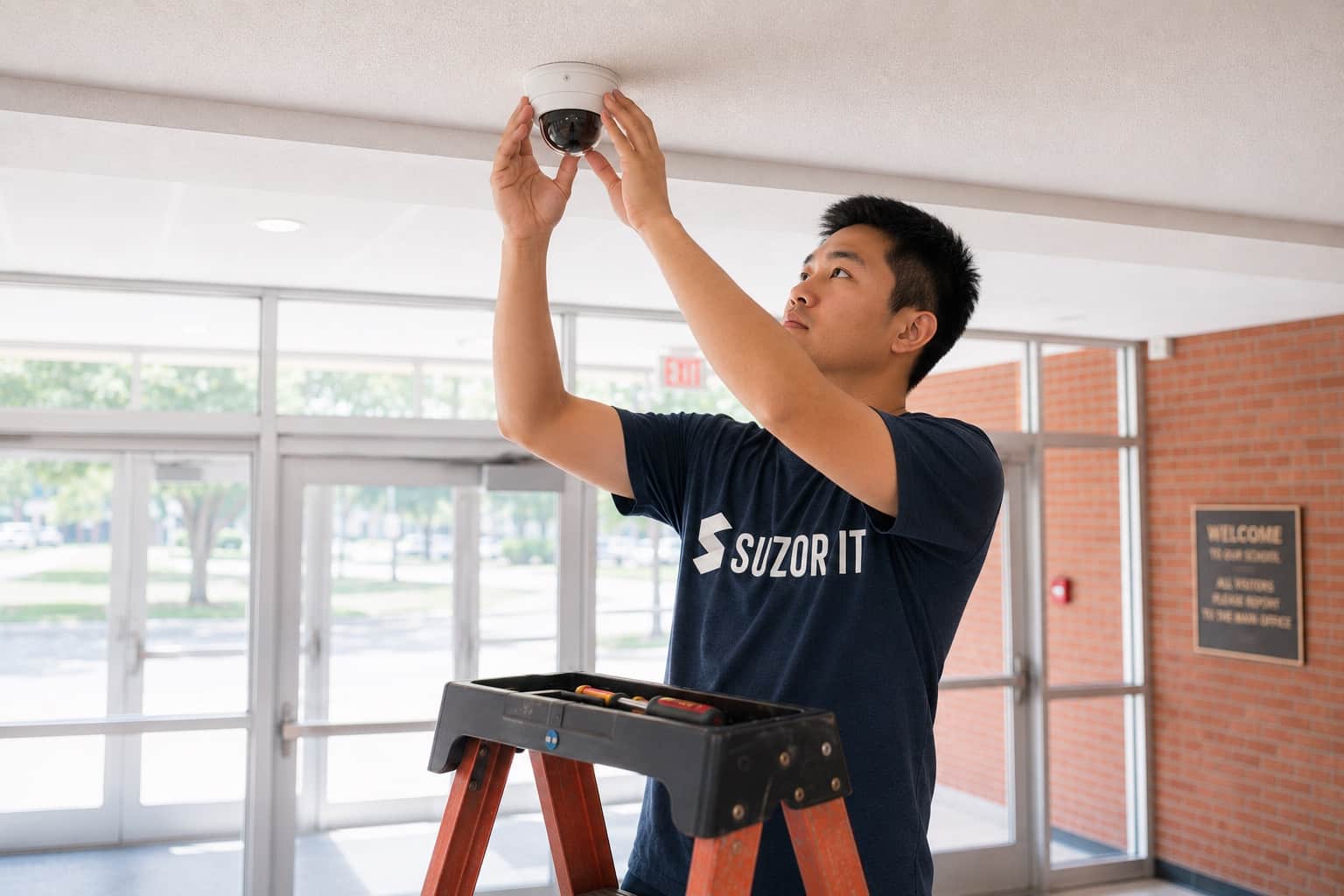
Installation & configuration
Plan cameras, entry equipment, and sensors around the building and the network that connects them.
Plan camera locations and connect your recording equipment to the network.
Install the technology your staff use to manage access at building entry points.
Include sensor equipment in the installation and test it with your team.
How we get it done
We review camera locations, entry points, existing equipment, and network connections with your staff. Those details shape the design and installation plan.
Assessment + design
We assess the site, recommend equipment, and design the installation.
Installation + configuration
We install and configure the equipment, coordinating site access and work windows with your staff.
Testing + documentation + training
We test the completed setup, document the work, and introduce your team to its use.
A fixed service fee for the agreed work. Your organization purchases equipment separately, with our recommendations.
We work to move your project forward quickly, planning around equipment delivery and access to your buildings.
Standalone projects welcome. Service-contract clients receive scheduling priority.
What your team receives
Your staff should understand the systems they’ll use every day. We test the installation, document the work, and introduce your team to the setup.
We test the installed cameras, access equipment, and sensors included in the project.
You receive documentation of the installed systems and completed work.
High-level training introduces staff to the equipment and its use.
Installation is project work. Footage access, retention, monitoring, and response responsibilities are agreed separately before handoff.
Answers about the work, pricing, and getting started.
No. This service concerns IP physical-security equipment in buildings. Our core network and security service concerns the management of the technology environment.
Bring the current system details and the changes you want to make. We will review what can remain and what the proposed installation requires.
Installation is a project service. Ongoing monitoring and response responsibilities are agreed separately before handoff.
Yes. An ongoing service contract is not required for a standalone project. Service-contract clients receive priority when we schedule project work.
Our service fee is fixed for the agreed project scope. You purchase equipment and licenses separately, directly from a reseller or manufacturer, with Suzor’s recommendations.
We can typically include low-voltage work such as Cat6 cabling in the project scope. Electrical work is handled by electricians provided by the client. We define the installation responsibilities during scoping.
A room, a building, or your next upgrade.
Tell us what you want to install and when you need it. We’ll help shape the scope, recommend equipment, and plan the work.