
Classrooms & displays
Equip teaching and presentation spaces with displays connected and ready for use.
- Interactive panels & displays
- Classroom projectors
Interactive panels, meeting-room video and audio, and PA systems. We install and configure the technology for lessons, meetings, and announcements.
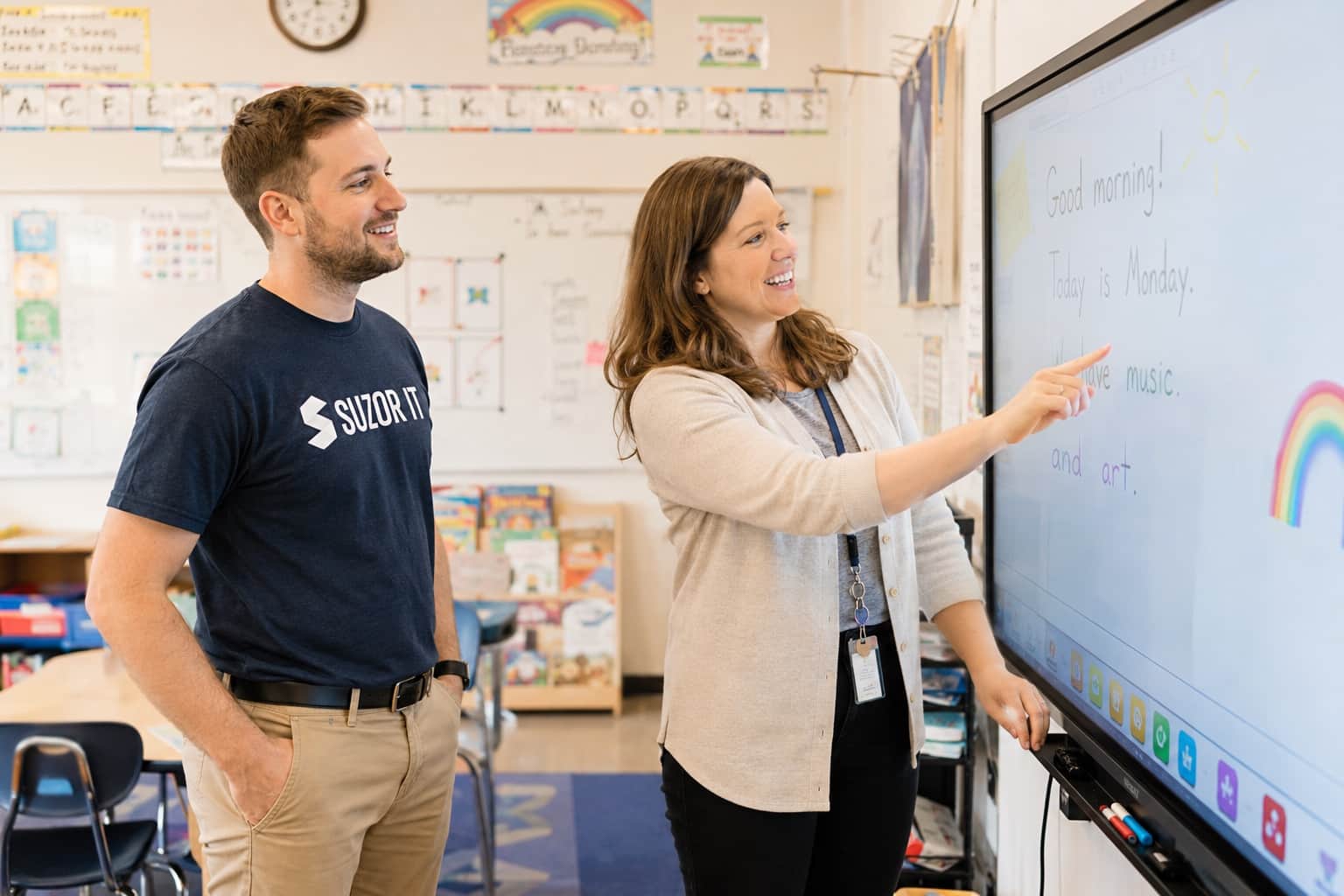
Installation & configuration
Make classroom technology easier to use, prepare a room for video meetings, or add a PA system for building announcements.
Equip teaching and presentation spaces with displays connected and ready for use.
Bring in remote participants with video and audio equipment configured for the room.
Install and configure a PA system for sharing announcements across your building.
How we get it done
We look at how the room is used, the equipment already in place, and what staff need it to do. Then we recommend a setup and coordinate the installation.
Assessment + design
We assess the site, recommend equipment, and design the installation.
Installation + configuration
We install and configure the equipment, coordinating site access and work windows with your staff.
Testing + documentation + training
We test the completed setup, document the work, and introduce your team to its use.
A fixed service fee for the agreed work. Your organization purchases equipment separately, with our recommendations.
We work to move your project forward quickly, planning around equipment delivery and access to your buildings.
Standalone projects welcome. Service-contract clients receive scheduling priority.
What your team receives
The next lesson or meeting should begin with equipment your staff understand. We test the installed setup together and show your team how to use it.
We test the displays, video, audio, and controls included in your installation.
Your team receives documentation of the room or PA system setup.
High-level training helps staff start using the installed equipment.
Need help for staff after installation? We can discuss Help Desk support separately, including remote help and contracted time on site.
Answers about the work, pricing, and getting started.
Yes. Explain how the room is used, what is already installed, and what is difficult today. Those details shape the proposed setup.
Yes. Where the room depends on network changes, we can discuss the installation as part of a coordinated project scope.
An AV installation and ongoing help desk support are separate conversations. We agree on handoff and support responsibilities before the project starts.
Yes. An ongoing service contract is not required for a standalone project. Service-contract clients receive priority when we schedule project work.
Our service fee is fixed for the agreed project scope. You purchase equipment and licenses separately, directly from a reseller or manufacturer, with Suzor’s recommendations.
We can typically include low-voltage work such as Cat6 cabling in the project scope. Electrical work is handled by electricians provided by the client. We define the installation responsibilities during scoping.
A room, a building, or your next upgrade.
Tell us what you want to install and when you need it. We’ll help shape the scope, recommend equipment, and plan the work.